
Tamper-Proof Document
Each notarized document is sealed with a unique digital certificate, creating a tamper-proof electronic signature that verifies authenticity.
NotaryBerry
the digital realm, making it easier than ever to notarize important
documents from the comfort of your own home or office.
Trusted platform for remote online notarization.
Our innovative technology brings the traditional notary process tothe digital realm, making it easier than ever to notarize important
documents from the comfort of your own home or office.
How It Works
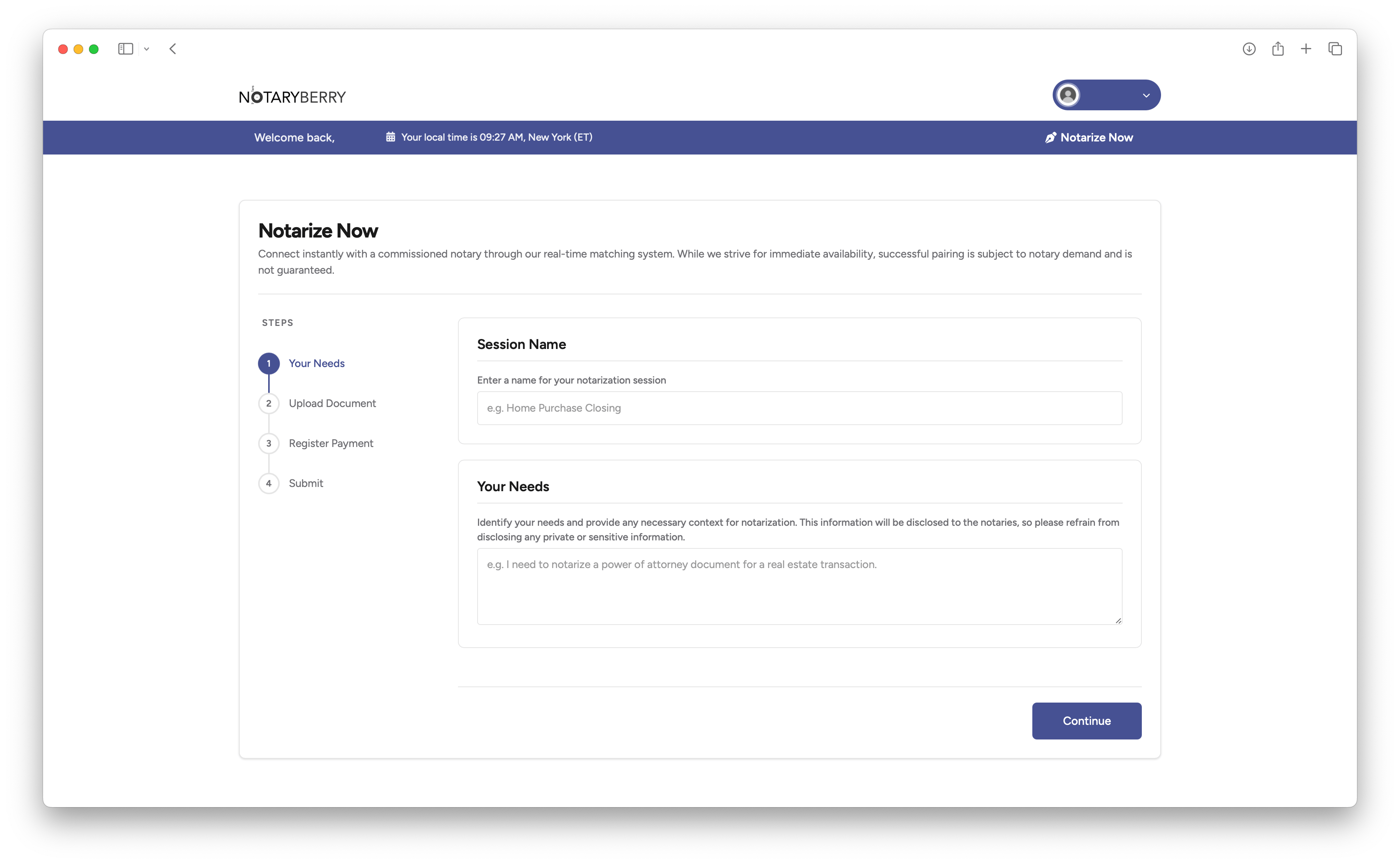
Get your documents notarized online in four simple steps
01
Upload Your Document
- Prepare and upload your document
- Enter your payment information
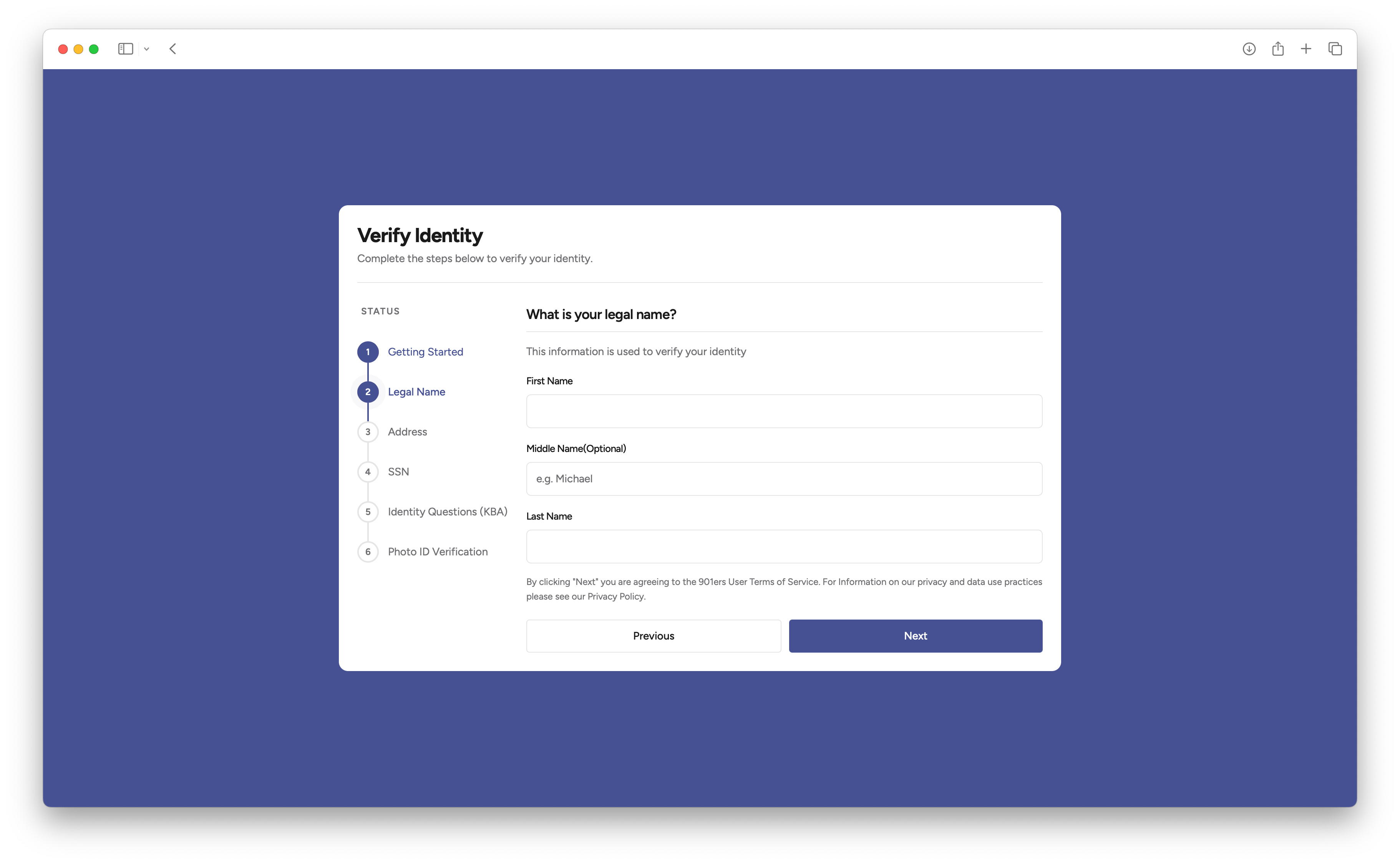
02
Verify Your Identity
- Pass the knowledge-based authentication
- Complete identity verification steps
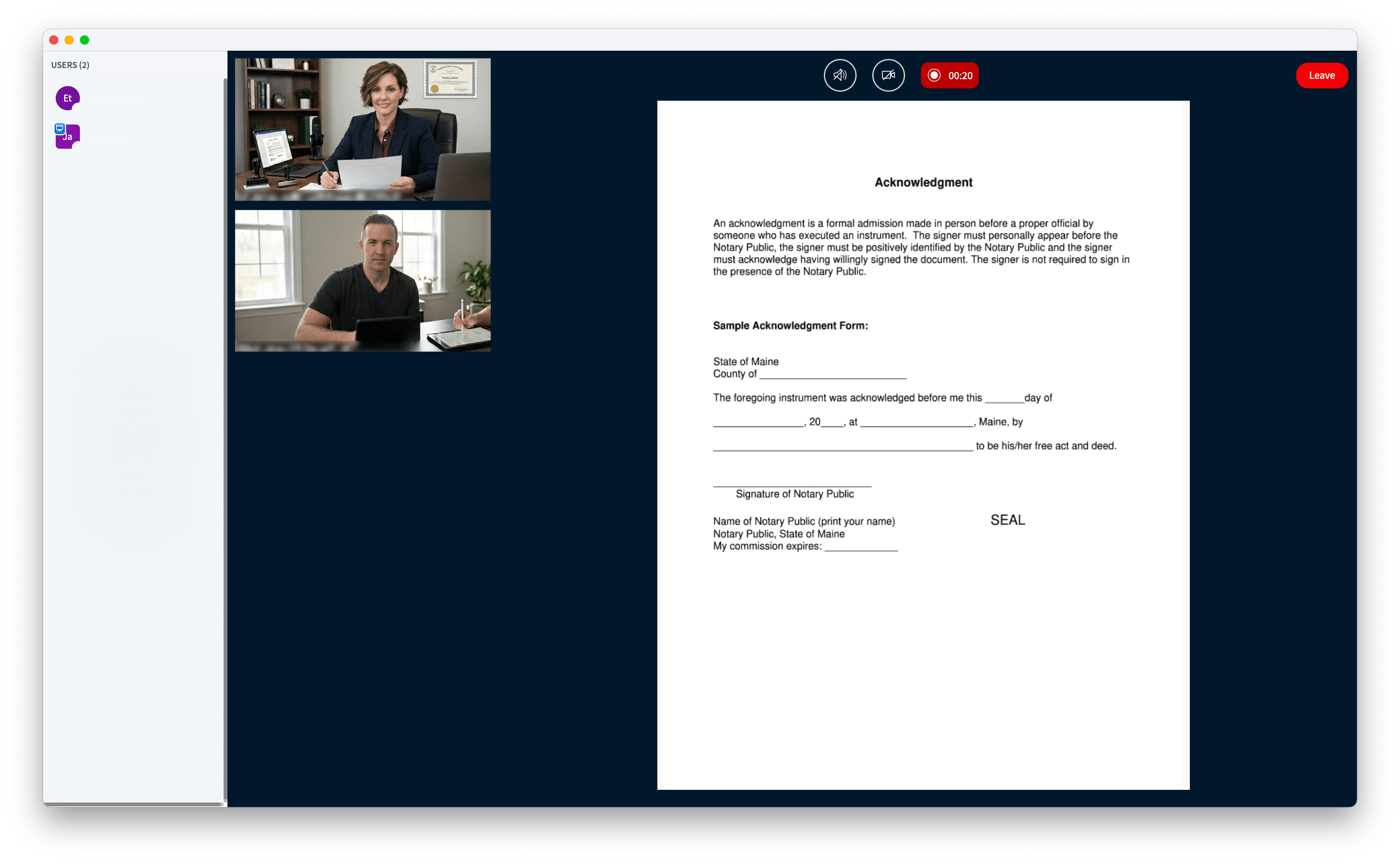
03
Join the Live Session
- Listen carefully and comply with the notary's instructions
- Sign the document electronically
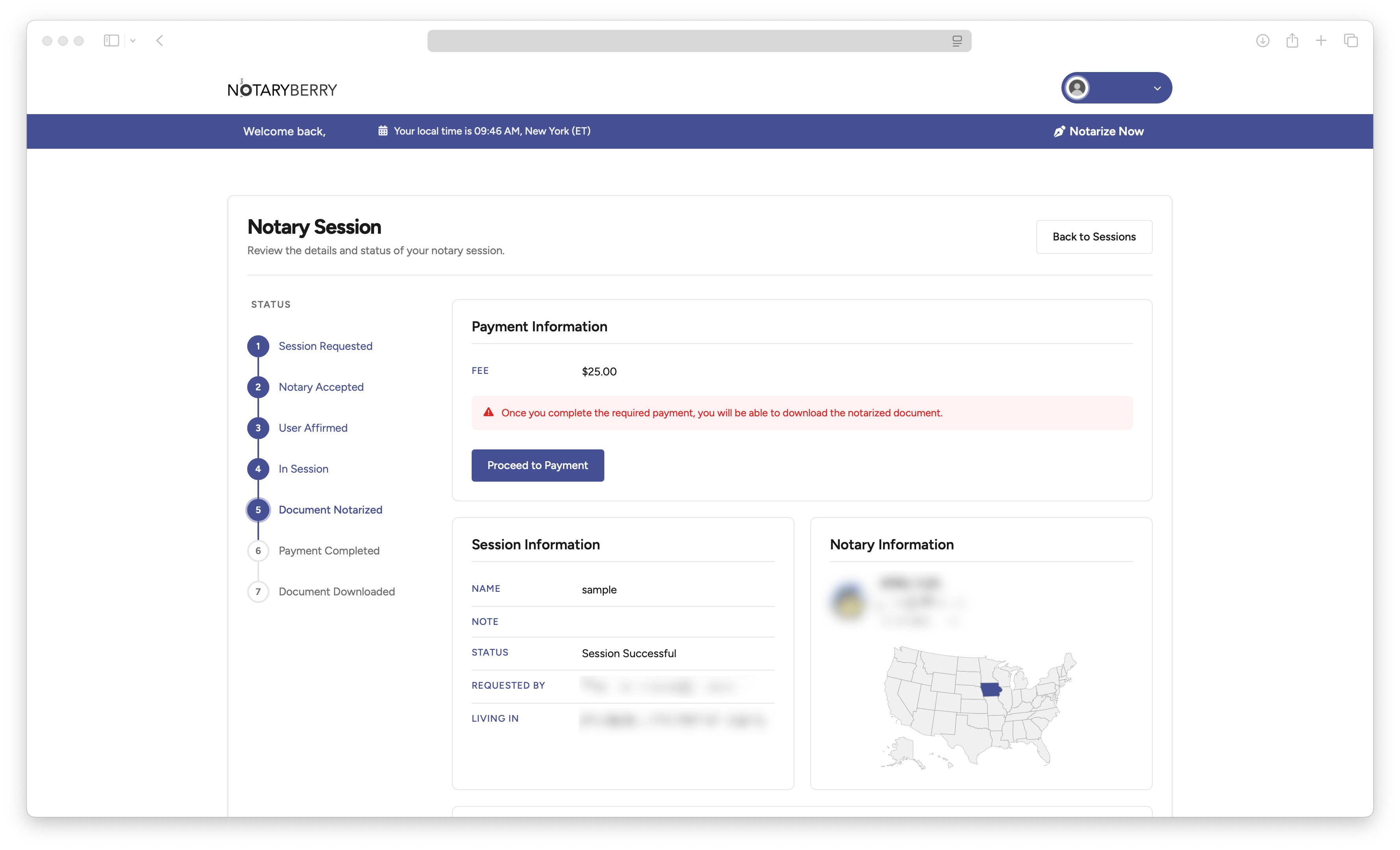
04
Get Your Document
- Review the notarized document: Confirm the presence of the notary seal and ensure all details are correct
- Share the document: Send the notarized document or its link to the interested party
01
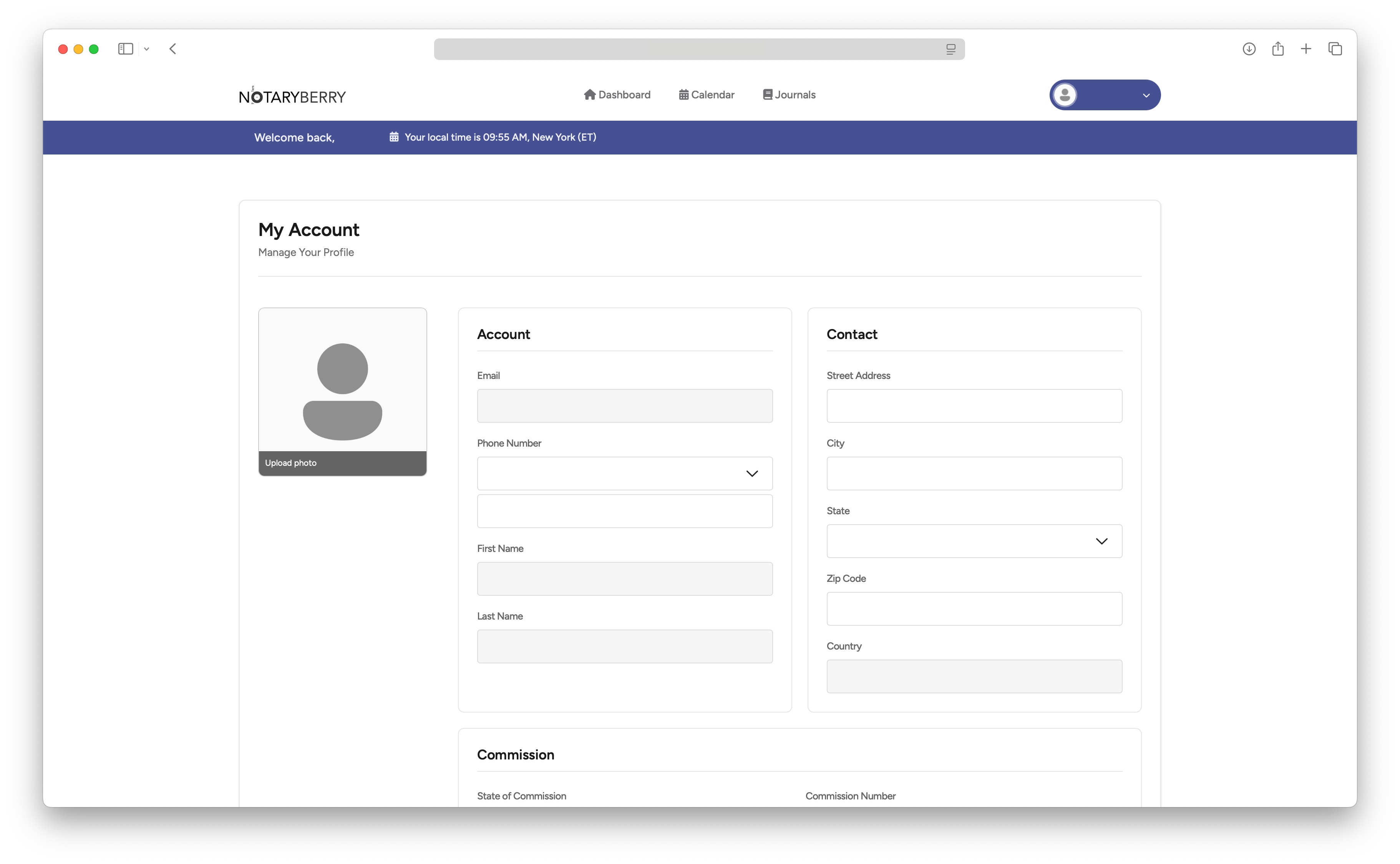
Create Your Profile
- Prove who you are using KBA and ID proofing
- Design and upload your digital seal
- Prepare and upload your digital certificate
- Customize your notarial statements
02
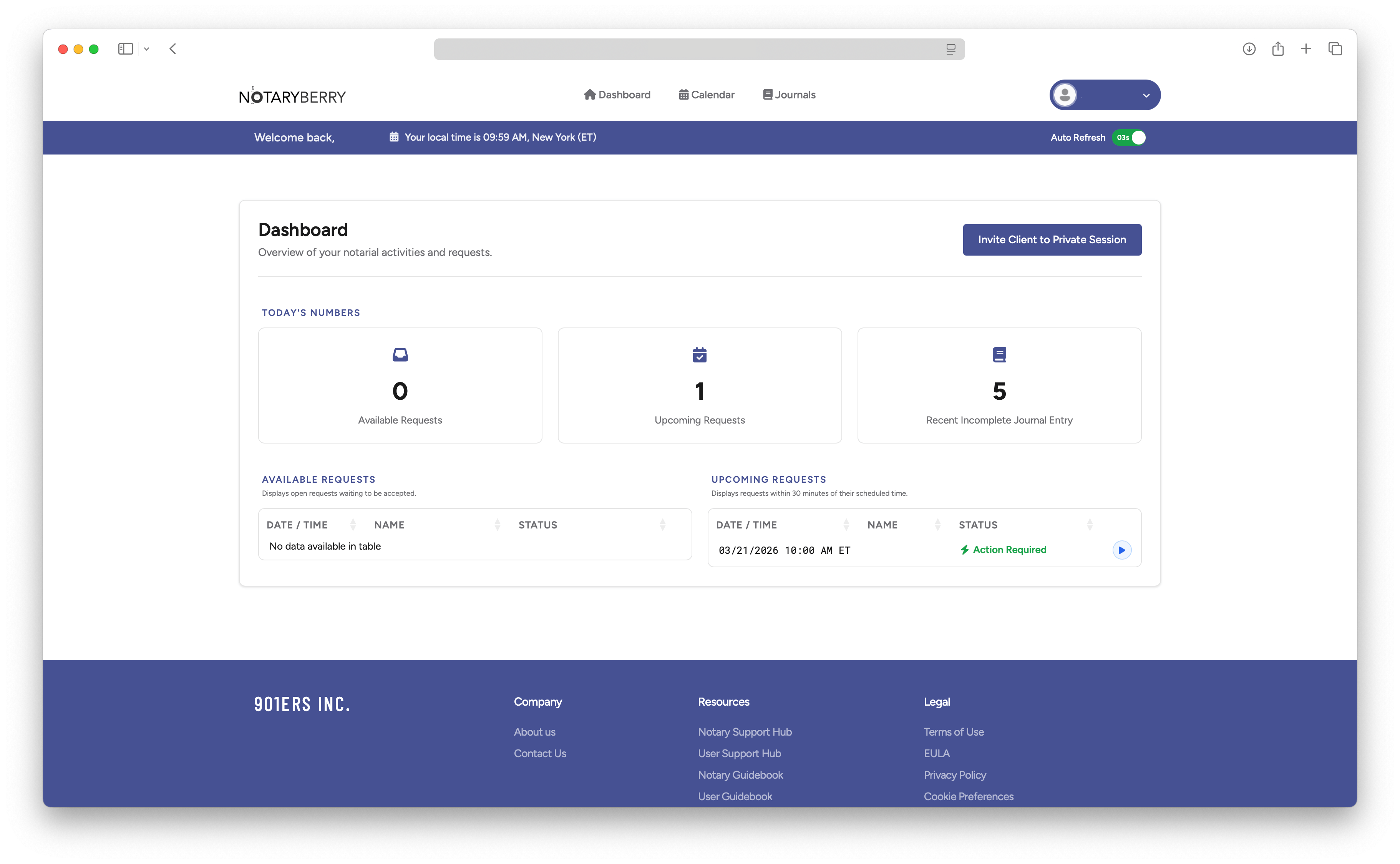
Accept a Request
- Check your eligibility and capacity for the requested notarization session
- Invite users to their session
03
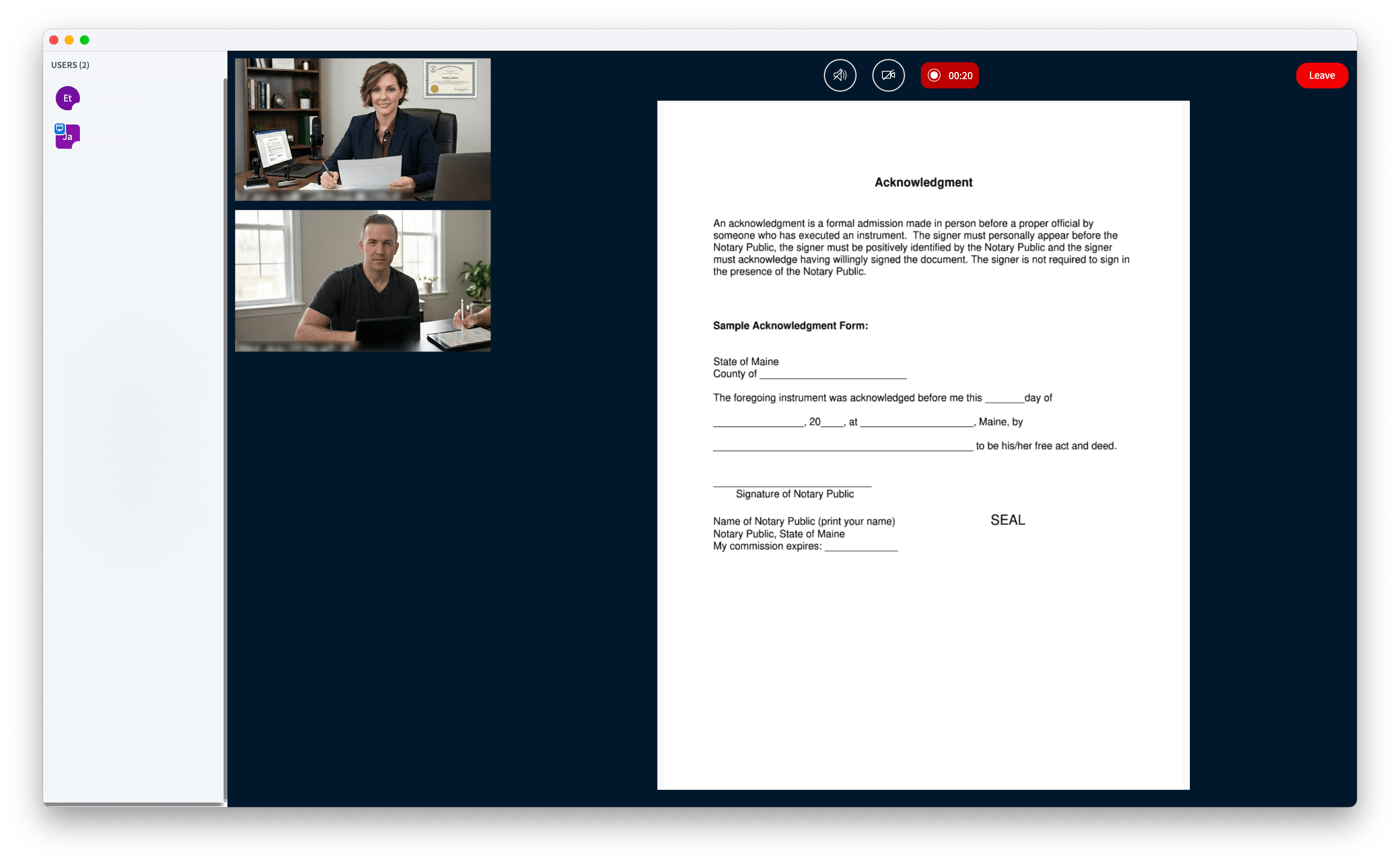
Notarize the Document
- Carefully check the user's ID and the uploaded document
- Fill in your notarial statement
- Digitally sign and affix seals to finalize the notarization
04
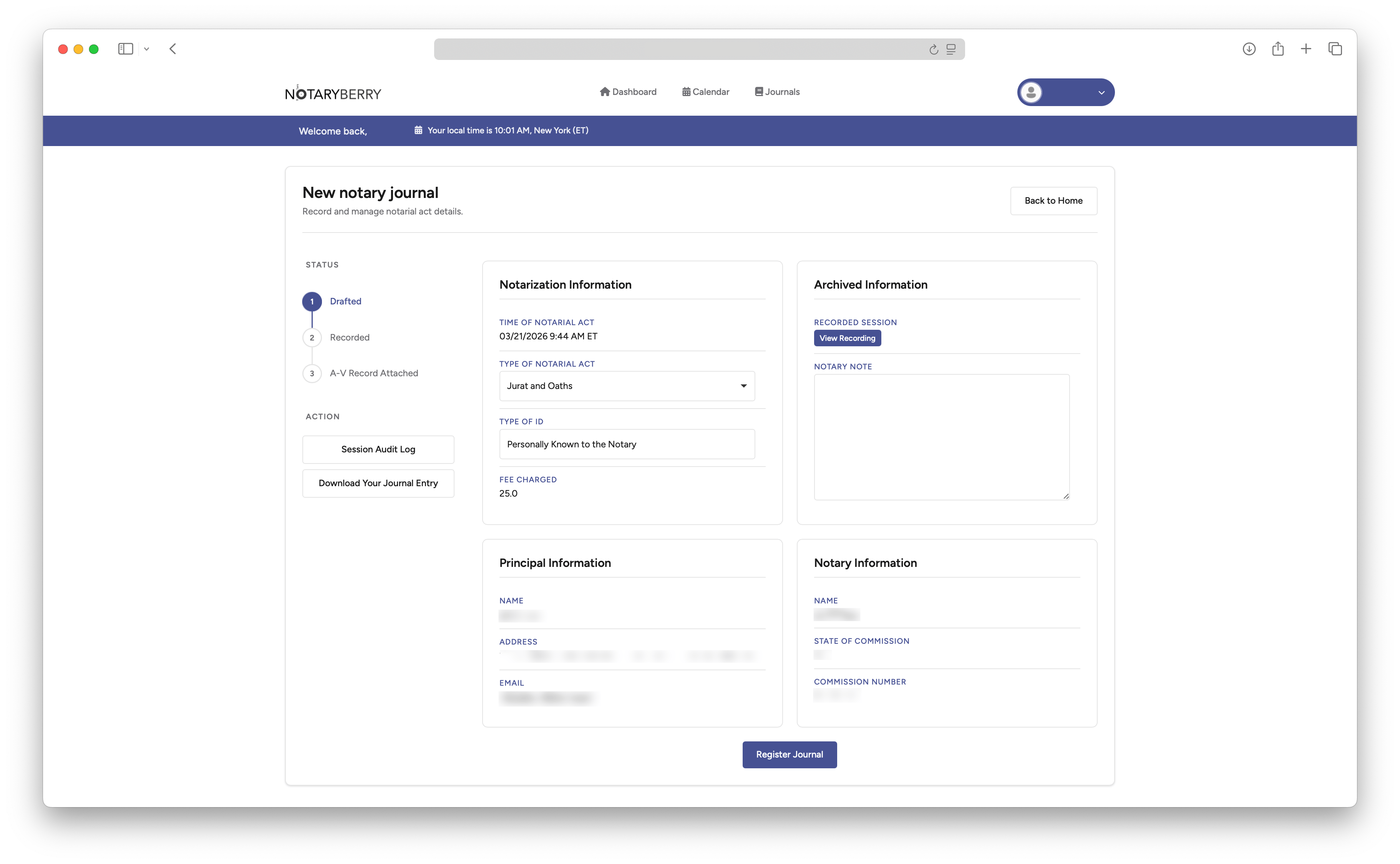
Complete Your Journal
- Complete the journal entry for the notary session
- Check to see if your records are in place
RON is Allowed in Most States
Most states allow Remote Online Notarization (RON) Allowed
Not Allowed
Key Features
NotaryBerry offers a wide range of features to easily and safely execute remote online notarizations.
E-signature Compliance
Fully compliant with E-SIGN Act and UETA, ensuring electronically signed documents are legally binding and enforceable.
Online A/V Session
Seamless audio and video communications with real-time recording for a complete and accurate record of every session.
Encryption
Encrypted connections help protect your information while it is transmitted.
Backup
Notarial records follow the applicable retention policy. Download and save your signed PDF promptly.
Identity Verification
Multi-layered identity proofing through knowledge-based authentication and credential analysis.
Simple, Transparent Pricing
Review the fees before you begin. No subscription is required.
One-Time
$25
per session
- Industry standard identity verification
- Tamper-proof digital certificate
- Audit trail
Notaries
Custom
volume pricing
- Online Journal with A-V records
- Audit Trails for Security
- Flexible Workflow to Serve Personally Known Clients
Enterprise
Custom
volume pricing
- Volume discounts
- Dedicated support
- Custom business flow
Frequently Asked Questions
Quick answers to common questions about remote notarization-
RON allows notaries and the public to meet over video conferencing. Using specially-designed software, the process ensures a simple, seamless experience from start to finish — all from the comfort of your home or office.
-
You need a computer or mobile device with a camera, microphone, and a stable internet connection. You will also need a valid government-issued photo ID for identity verification.
-
Upload your document, complete identity verification through knowledge-based authentication, then join a live video session with a commissioned notary who will witness your electronic signature and apply their digital seal.
-
Availability depends on the commissioning state, the signer’s location, the document, and the receiving organization’s requirements. Confirm eligibility with your notary.
-
Some banks and libraries offer free notarization for certain documents. NotaryBerry offers online sessions, subject to notary availability.
-
NotaryBerry works on Google Chrome and Safari browsers. You will need a device with a working webcam and microphone. A stable internet connection with at least 5 Mbps download/upload speed is recommended for a smooth video session.
-
When you schedule a session, please be mindful of the time zone where your notary is currently located. Notaries are real people with working hours, so choosing a time that works for both parties will help ensure a smooth and timely session.
-
Complete the identity questions and photo ID steps shown for your session. Have an unexpired government-issued photo ID ready. Follow the on-screen time limit, attempt limit, and waiting period.